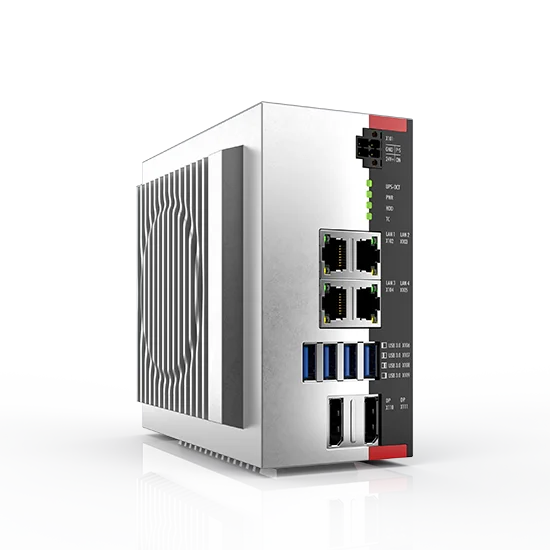
The course aim is to gain an overview of the HMI options of the Embedded PC CX.
Requirements | Some knowledge about development environments such as Visual Studio and Visual Studio.Net
| Ordering information | CX Training: Focus on HMI with Microsoft Embedded Visual C++ |
|---|---|
| TR4031 | HMI examples with Microsoft Embedded Visual C++ |
– handling of the CX PLC |
|
– overview of HMI options |
|
– images for the CX |
|
– boot characteristics of the CX |
|
– FTP server, access to PLC data with ASP |
|
– ADS debugger |
|
– HMI programming with Embedded Visual C ++ |
|
– introduction to TCAdsDll. method summary |
|
– establishing an Active-Sync connection between programming PC and CX |
|
– access to PLC data: synchronous per address, synchronous per name, notification |
|
– boot settings for the visualisation project |
|
| duration: 2 days |
| Ordering information | CX Training: Focus on HMI with Microsoft Visual Studio.Net |
|---|---|
| TR4032 | HMI examples with Microsoft Visual Studio.Net |
– handling of the CX PLC |
|
– overview of HMI options |
|
– images for the CX |
|
– boot characteristics of the CX |
|
– FTP server, access to PLC data with ASP |
|
– ADS debugger |
|
– HMI programming with Visual C#.Net or Visual Basic.Net |
|
– introduction to TCAdsDll. method summary |
|
– establishing an Active-Sync connection between programming PC and CX |
|
– access to PLC data: synchronous per address, synchronous per name, notification |
|
– boot settings for the visualisation project |
|
| duration: 2 days |